tkribbon
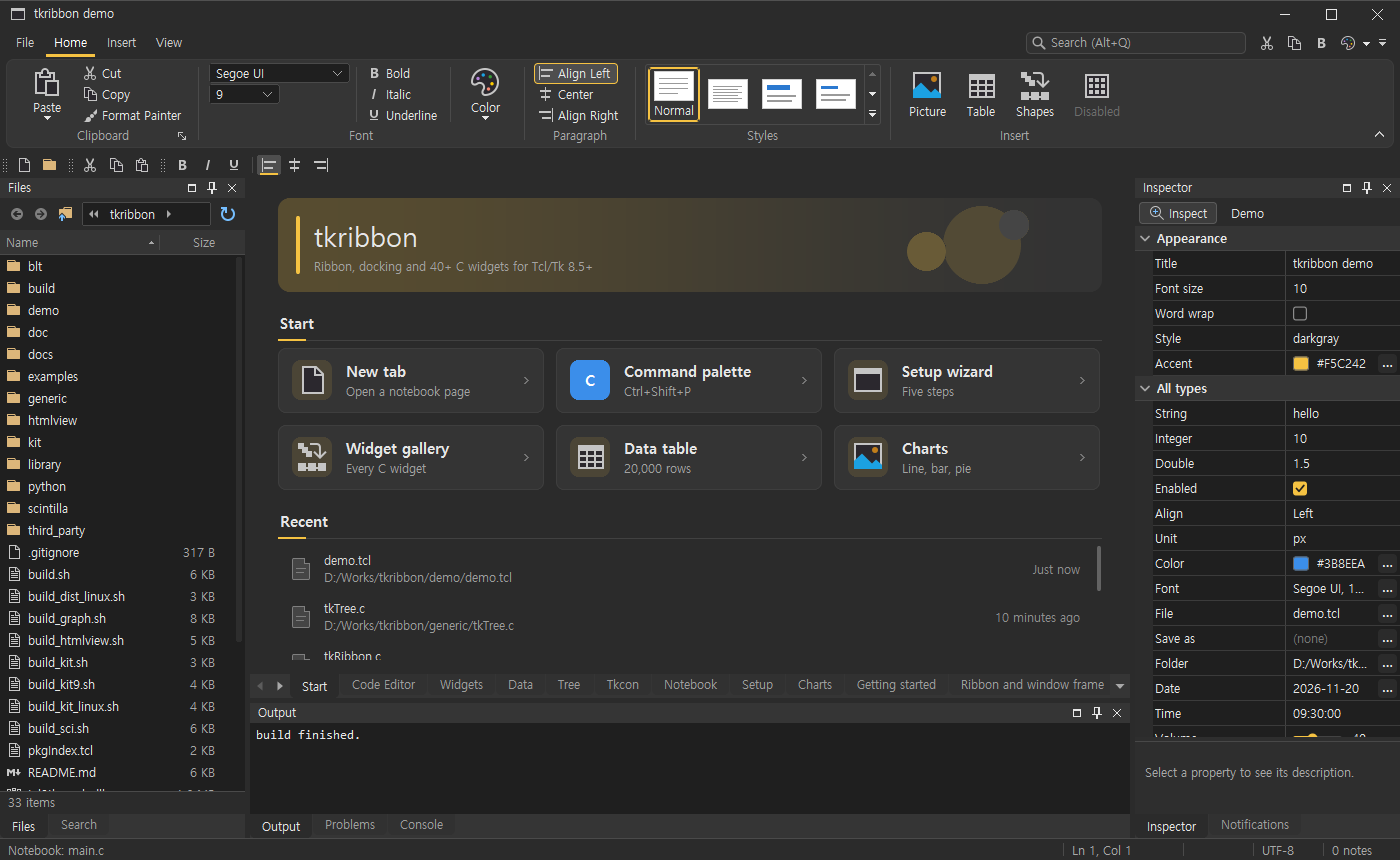
tkribbon is a set of C extensions for Tk on Windows and Linux: an Office-style ribbon, docking panes and more than 60 custom-drawn widgets, plus a Scintilla code editor, graphs based on BLT and an HTML/CSS viewer based on litehtml. All commands live in the rtk:: namespace.
- Demo programs: download (Windows executables and a Linux archive, nothing to install)
- Screenshots and feedback: github.com/hanulso78/tkribbon-demo
- License: commercial (planned); free time-limited demo programs available now
- Platforms: Windows 10 and 11, 64-bit; Linux x86-64 (X11, and Wayland through XWayland; glibc 2.28 or newer)
- Tcl/Tk: 8.5, 8.6 and 9.0 (loads through stubs); also usable from Python's tkinter
Why a demo first
tkribbon is planned as a commercial product. Before deciding on licensing and pricing, I am releasing demo programs to see whether the library is useful to Tcl/Tk developers and what they would need from it. That is why the programs are time-limited and the source is not public yet. Feedback is very welcome: which widgets you would use, what is missing, which platforms or Tcl/Tk versions matter to you, and what kind of license would work for you (per developer, per project, source included, and so on). Please add it below or in the issues of the demo repository .
Try it
The release page has the same two programs for each platform:
- tkribbon-demo - one window with a ribbon, docking panes, a code editor, widgets in dark and light themes, a data grid with 20,000 rows, charts, a setup wizard, and every example in tabs
- tkribbon-examples - a launcher for 106 small examples, one per widget or topic; double-click one to run it in its own window
| File | What it is |
|---|---|
| tkribbon-demo.exe, tkribbon-examples.exe | Windows, built with a tclkit (Tcl/Tk 8.5) |
| tkribbon-demo-tcl9.exe, tkribbon-examples-tcl9.exe | Windows, the same programs on Tcl/Tk 9.0 |
| tkribbon-demo-linux-x86_64.tar.gz | Linux, both programs, each with its own static Tcl/Tk 9.0 |
| tkribbon-0.1.0-linux-x86_64.tar.gz | Linux, the libraries for your own Tcl/Tk: a tkribbon/ folder to put on auto_path, with builds for 8.6 and 9.0 |
| tkribbon-0.1.0-py3-none-*.whl | Python wheels for Windows and Linux |
The programs need no Tcl/Tk installation. Everything on the release page is a time-limited build that works for 15 days from the first start. The Windows executables are not signed, so Windows SmartScreen may ask before starting them ("More info", then "Run anyway"). On Linux, unpack the archive and start ./tkribbon-demo or ./tkribbon-examples; only the usual desktop libraries are needed (X11, Xft, fontconfig, freetype).
Packages
- tkribbon - ribbon (tabs, groups, galleries, quick access toolbar, key tips, contextual tabs, backstage), drawn title bar and frameless windows, docking panes (tabify, split, float, auto-hide), dockable toolbars, menu bar and drawn menus, themes with DPI scaling, and widgets: buttons, line and masked edits, auto-completion, date and time edits, sliders, dials, ratings, color and font pickers, tree list, data grid, property grid, pivot table, spreadsheet, calendar scheduler, Gantt timeline, Kanban board, node editor, diagram (flowchart) editor, photo editor, hex editor, rich text editor, Markdown viewer, terminal, chat view, map view, QR codes and bar codes, web view (WebView2, Windows only), task, input and progress dialogs, notification area (system tray) icons, drag and drop, JSON and XML read/write, saving and restoring the window arrangement
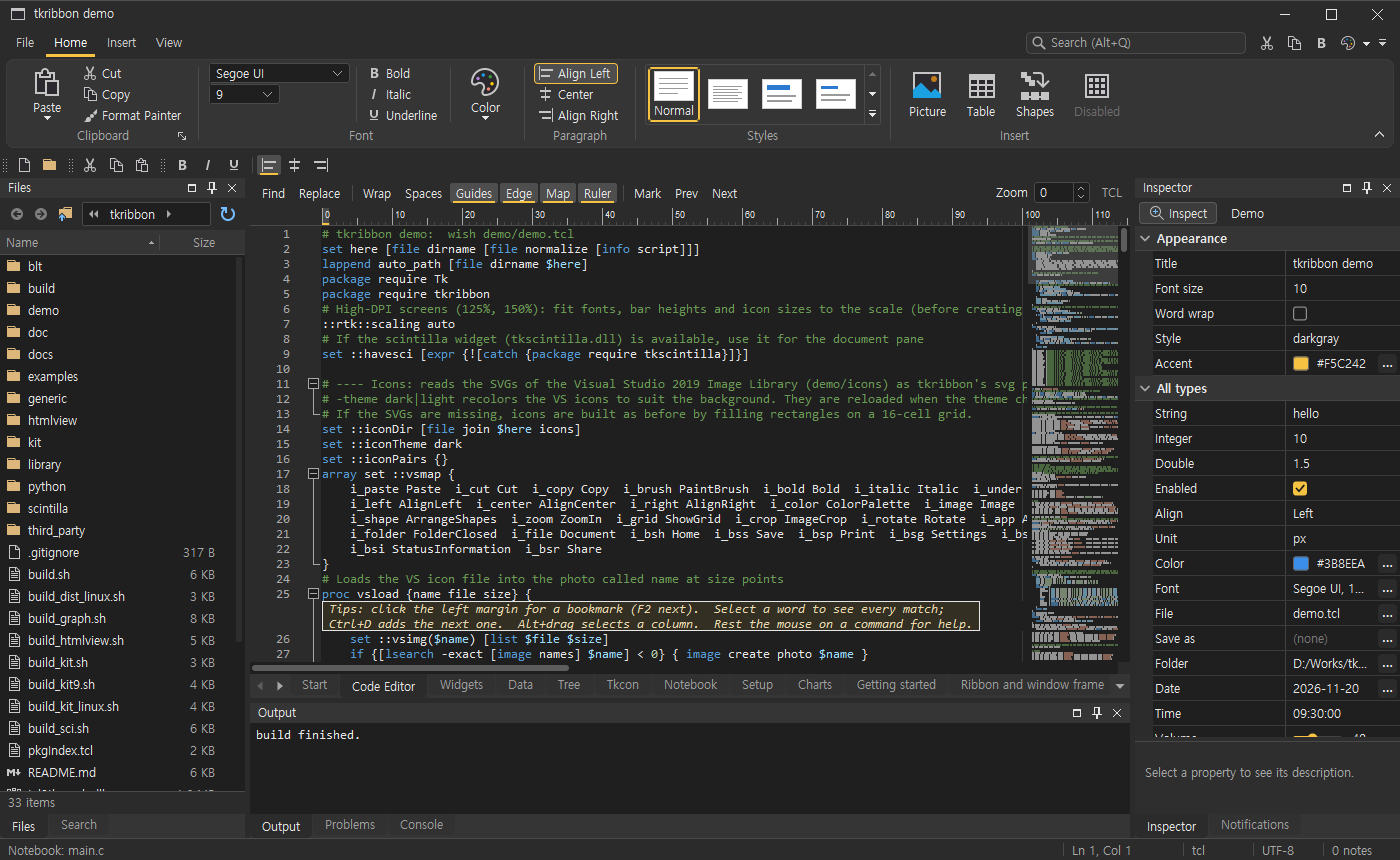
- tkscintilla - Scintilla code editor with ruler, minimap, find bar, diff view, code outline and autocomplete
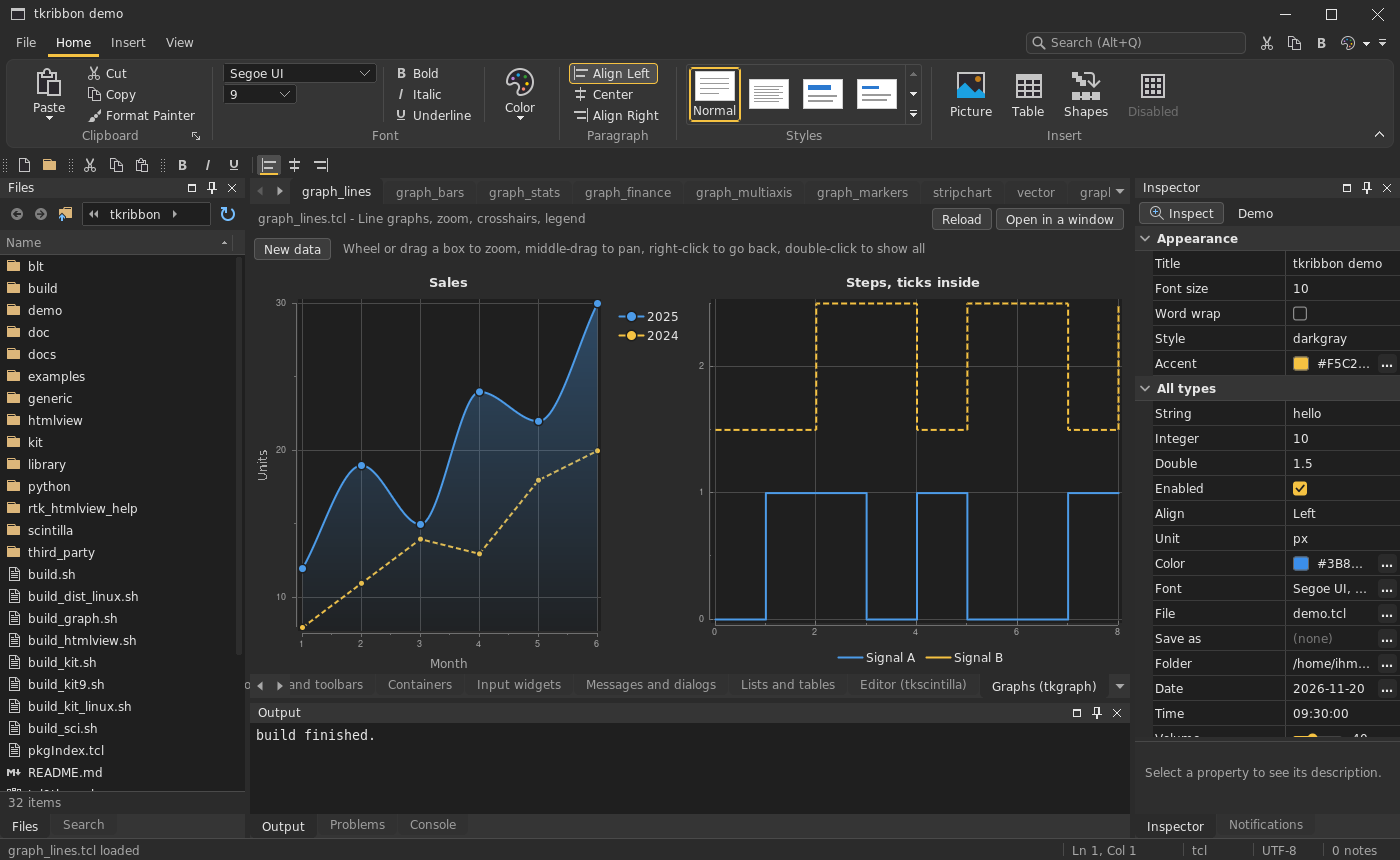
- tkgraph - graphs and charts based on BLT: lines, bars, pie, heatmap, polar, 3D surfaces, figures with several plots, export
- tkhtmlview - HTML/CSS viewer based on litehtml: flex, grid, CSS variables, gradients, history, find, zoom, forms
Tcl/Tk 8 and 9
Each library comes in two builds: tkribbon.dll / tkribbon.so for Tcl/Tk 8.5 and 8.6, and tcl9tkribbon.dll / tcl9tkribbon.so for Tcl/Tk 9.0 (the same for tkscintilla, tkgraph and tkhtmlview). The pkgIndex.tcl loads the one that matches the running Tcl, so package require tkribbon works the same in both, and the same scripts run on both. The examples are tested on Tcl/Tk 8.6 and 9.0 on Windows and Linux.
Example
package require tkribbon

::rtk::theme darkgray
rtk::ribbon .r
.r tab add home -text Home
.r group add home g -text Greeting
.r item add g hello -text "Say hello" -command {puts "Hello, world!"}
pack .r -fill x
Screenshots
Code editor (tkscintilla) with the ruler, minimap and margin tips, on Windows:
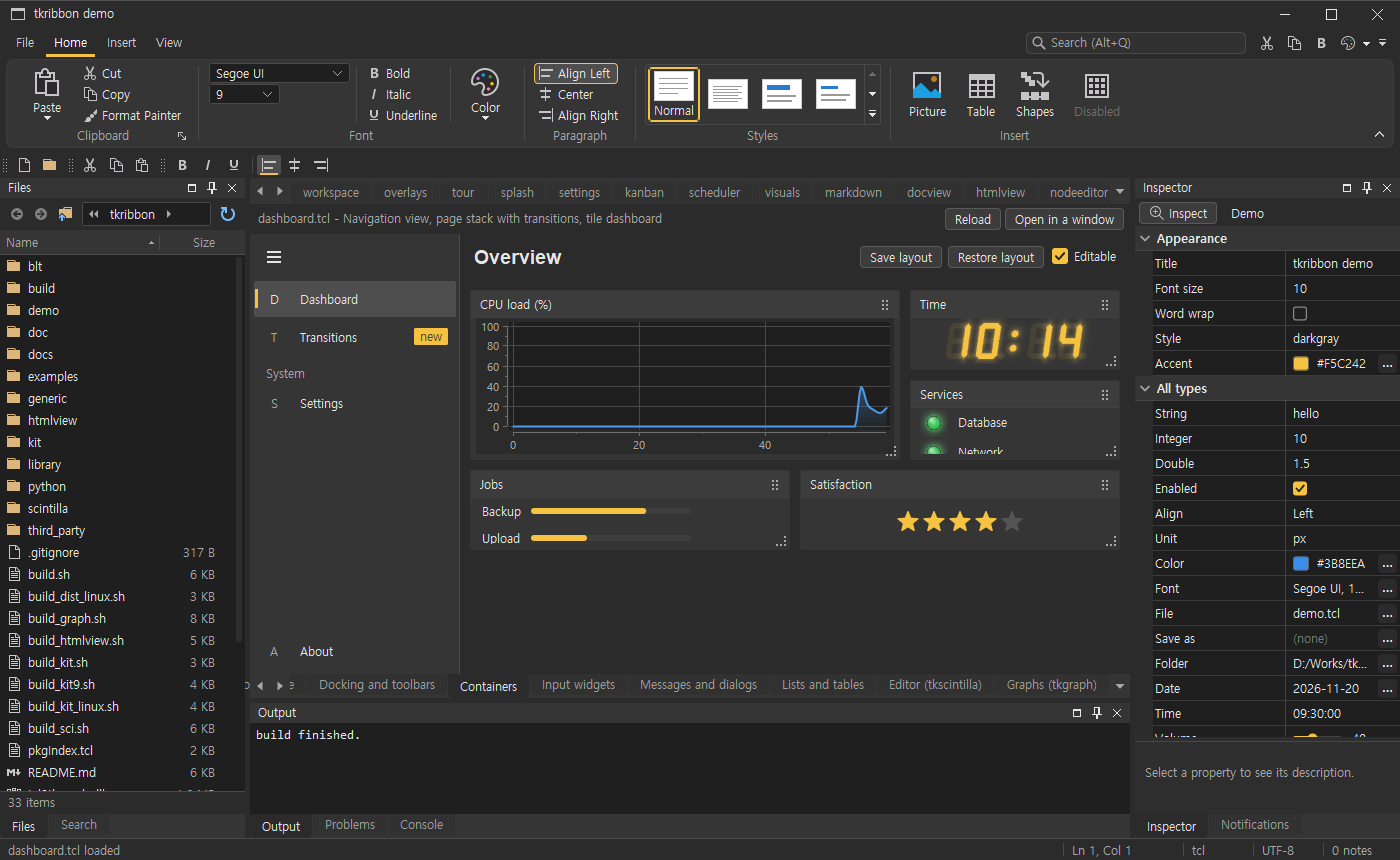
Dashboard example: navigation view, tile dashboard, seven-segment clock, LEDs, ratings, on Windows:
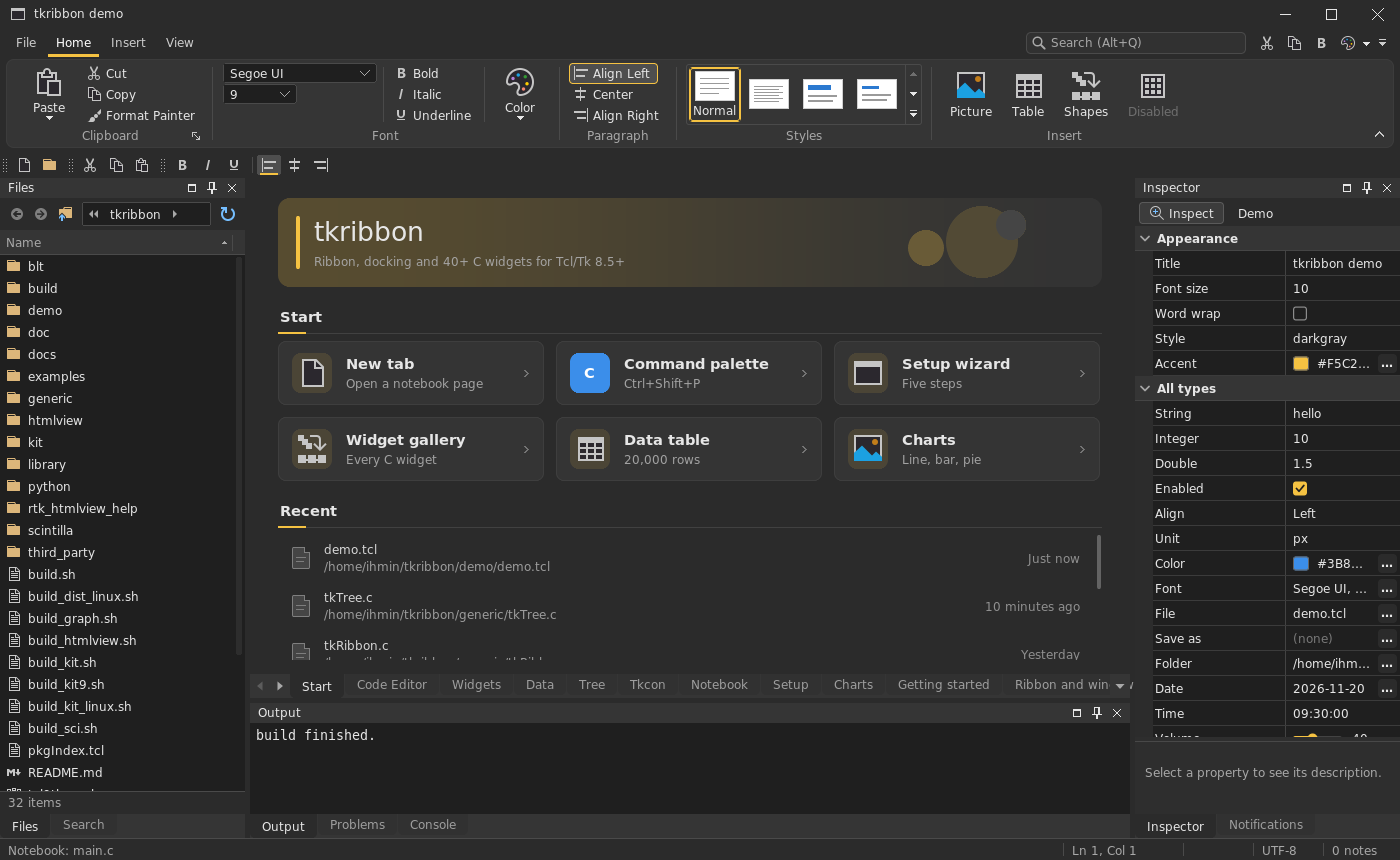
The demo on Linux (AlmaLinux 8, Tcl/Tk 9.0):
Graphs (tkgraph) on Linux:
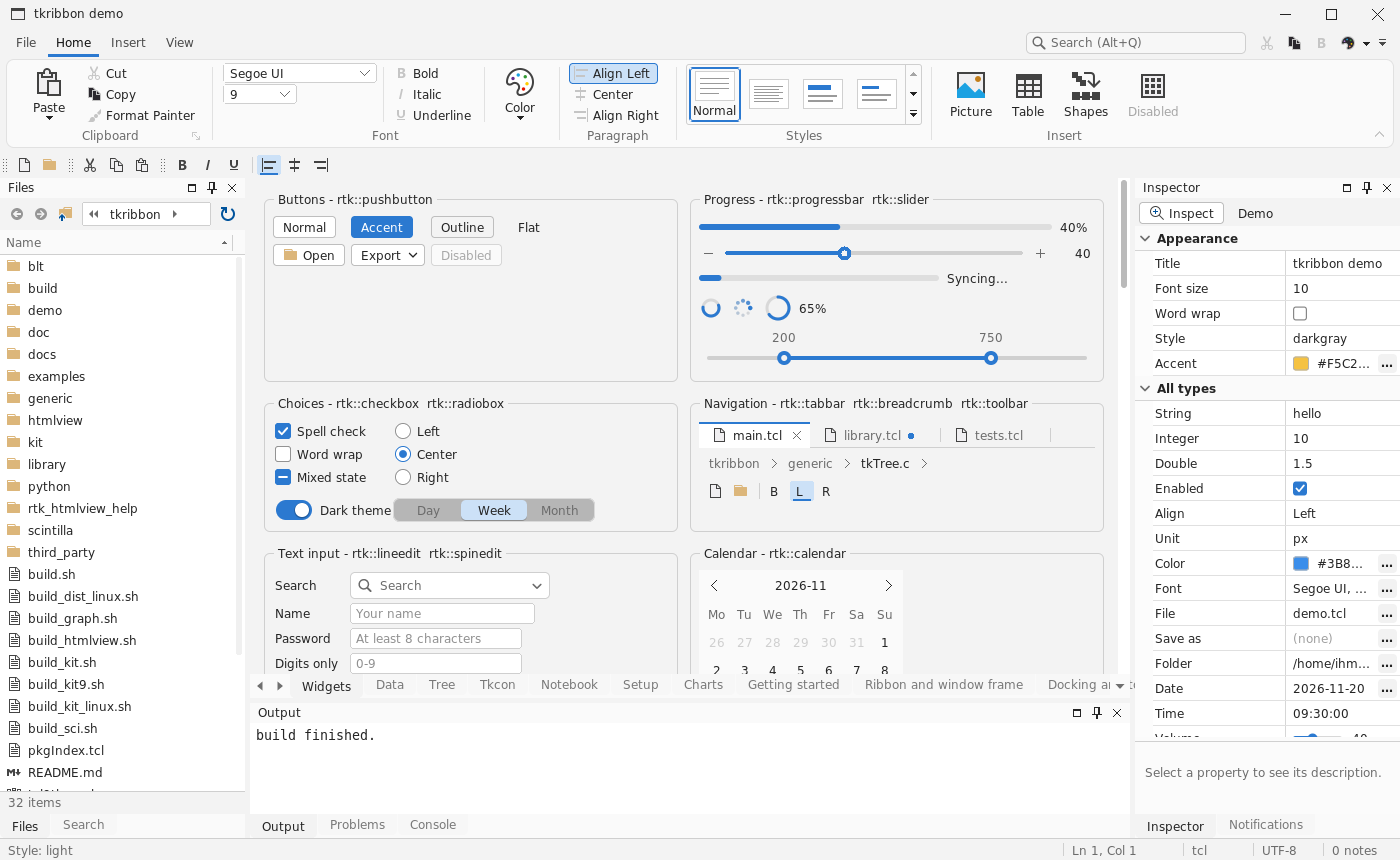
Widgets in the light theme on Linux:
More screenshots of both platforms are in the demo repository .
Discussion
EB 2026-11-20: This is truly impressive, rtk seems to be a major evolution, much like ttk was back in the day - even if only for Windows. In the past, I disliked user interfaces that didn't use native widgets, but nowadays, there are hardly any UIs left that use native widgets - even those from Microsoft. Full support for dark/light modes and high DPI is an absolute must-have.
ihmin 2026-11-21: Thank you, EB! I agree: full dark/light themes and high DPI are what people expect today, so every rtk widget is drawn by the library and follows the theme and the DPI scale, on both Tcl/Tk 8 and 9.
One correction: tkribbon is no longer Windows only. The same libraries now run on Linux (X11, and Wayland through XWayland), and the release page has Linux demo programs as well as the libraries for your own Tcl/Tk 8.6 or 9.0. macOS is not done yet.
It also works from Python: there are wheels for Windows and Linux (pip install <file>) that wrap every widget as a tkinter class, for tkinter on Tk 8.6 or Tk 9, so a tkinter program can use the ribbon, docking panes, data grid and the rest next to its usual tk and ttk widgets.
If you try the demo, I would be glad to hear which widgets you would use and what is missing.
EB: I'm speechless... I have already tried the demo, but I'll take a closer look again. The basic widgets look really clean, your notebook is also better (scrolling, menu?). I like the popup, date chooser and color chooser too. I don't know for the ribbon, it's quite a big change for an application.
For the advanced one, I regularly use tkhtml, rbc (so your improvements on both are interesting) and canvas. I always use treectrl (for advanced trees, property list similar to yours, or even notebook tabs).
As I understand, it's possible to mix your widgets with tk or ttk one? (Losing DPI and theme change?). Can your basic widgets be modified similarly to ttk with ttk::style/ttk::layout?
NR - 2026-11-20 19:57:03
Your demos are impressive, well done! You can see that it's clearly marked “Tk” (it's a bit of a shame, but that's just how the Tk designation works) The graphics demos are amazing. Since I'm really into this, what backend did you use besides BLT ?